Designing in the Era of AI, Shortcut Style
What we learned testing AI design tools at Shortcut: Figma, Pencil, Stitch, Paper, and finding common ground between the infinite canvas and chat.

I am not here to rehash the tired "design is more than drawing boxes" debate (an evolution of the equally exhausting "UX is not UI"), fueled by the growing panic that AI-powered tools are coming to replace designers.

Instead, I want to share what we have learned at Shortcut from constantly testing new tools. Experimentation is in our DNA. We were among the first to try Figma ten years ago, and we will stay on the front lines testing whatever comes next.
Every single day brings a new tool launch. Every day we ask ourselves if it belongs in our stack. And every day we take it for a spin: usually to discard it, but always to understand where design tooling is headed beyond the infinite canvas on one side or a chat interface on the other.
So far, we have found a middle ground between the two. It gives us real clarity, because it bridges both worlds: the human and the machine.
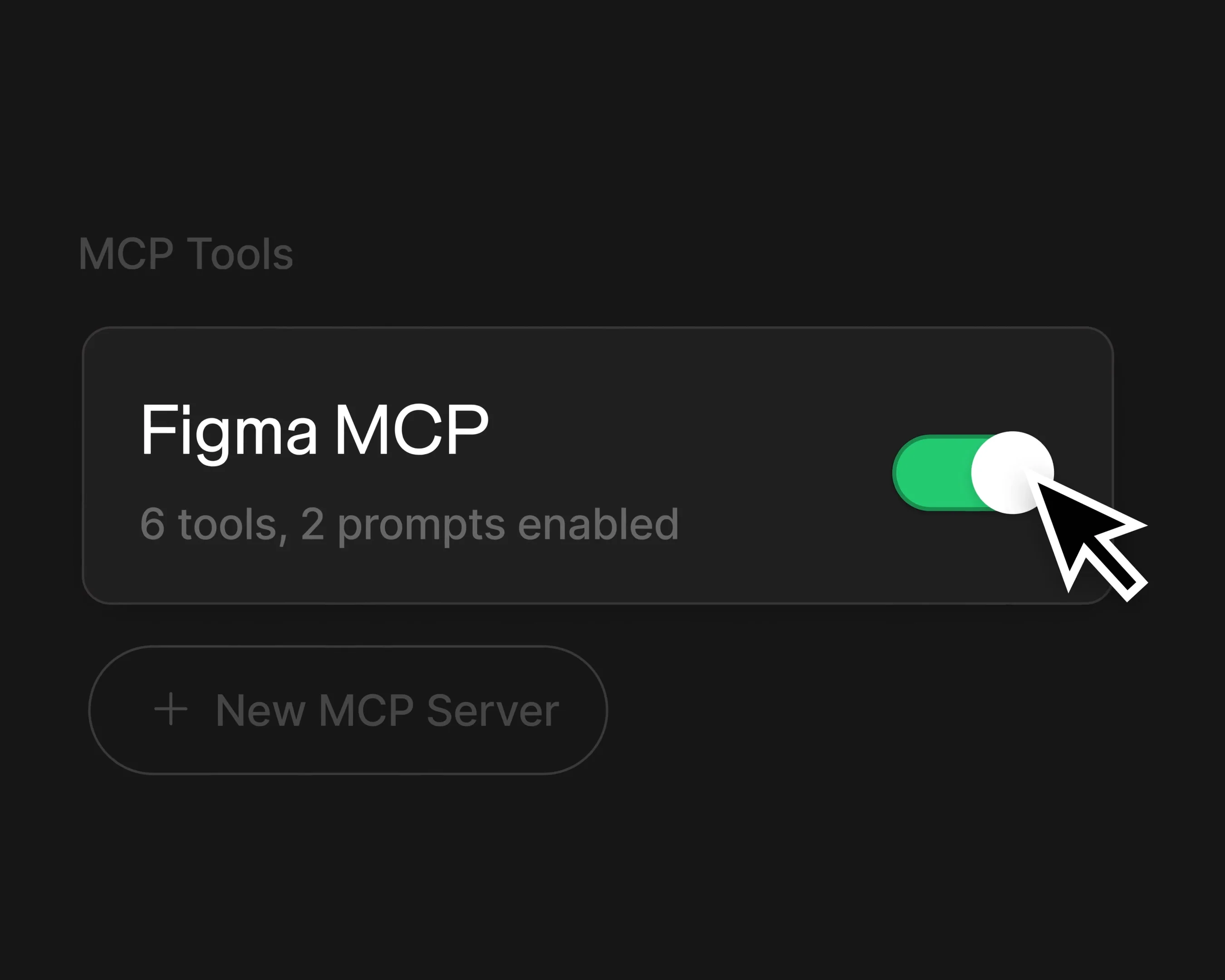
That sweet spot lives in the connections: context files (design.md), bridges like MCP or CLIs, and specialized agent skills, among others.
For us, having an AI generate interfaces for us is not the point. The real value is helping us streamline, clarify, and elevate our process, and then improving implementation down the line. If an AI can plug directly into our canvas, where the bulk of our design work actually happens, count us in.
The creative process is no longer just human collaboration. It is collaboration with the machine.
MCP as the Bridge to the Machine
Over the past few months, we have spent considerable time testing several design tools with MCP access:
- ✅ Figma (official and third-party MCPs)
- ✅ Framer (third-party, unofficial)
- ✅ Pencil
- ✅ Stitch (Google)
- ✅ Paper
Put simply, MCP is a protocol (alongside CLIs or APIs) that allows AI agents to communicate with specific software: in this case, design tools.
Every tool on this list shares the same underlying motivation for supporting MCP: connecting their "infinite" canvas to code through AI agents.
What I discovered is that while their technical premise is similar, each app sets itself apart through subtle differences in its core value proposition.
Figma, the incumbent of the pre-AI era and a mature platform, offers an "add-on" approach. It allows agents to inspect and make use of all the files and systems we already have stored there. That is its massive advantage: we do not have to migrate anywhere else to leverage work we have already designed.
Unfortunately, Figma's current integration also feels like a cautious beta with limited capabilities, almost certainly waiting for a paid upgrade tier.
The obvious advantage the rest of the list holds over Figma is that they were built from day one around AI. They are AI-native.
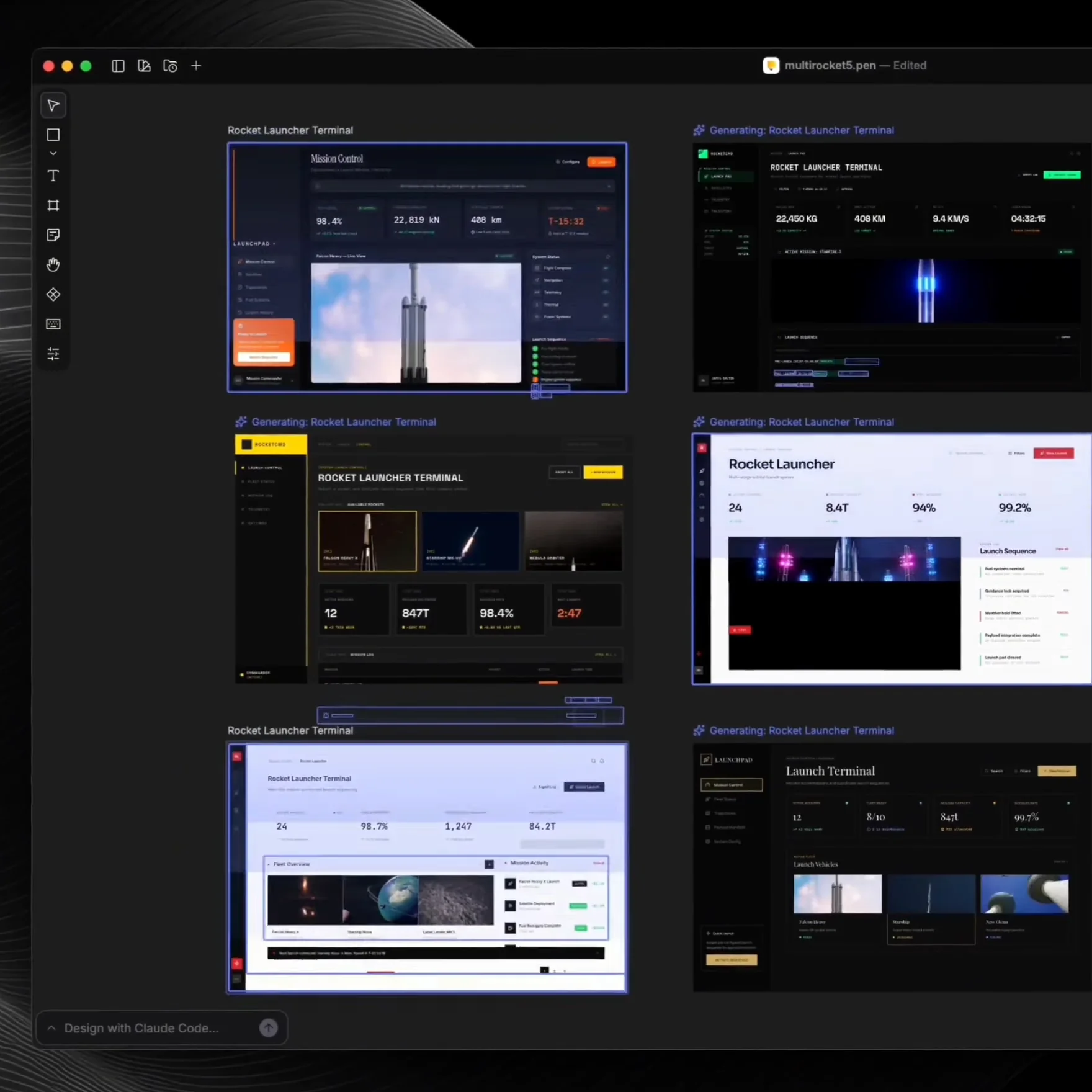
Pencil leans heavily on its "swarm mode," where multiple agents attack the same problem from different angles. Productivity seems to be its main pitch, with some upside for visual exploration. Beyond that, the tool is strictly bound by whatever model powers it (in this case, Claude). It attaches specific design rules to keep the agent focused on UI, but that kind of swarm setup is only useful at very specific points in an interface design workflow.
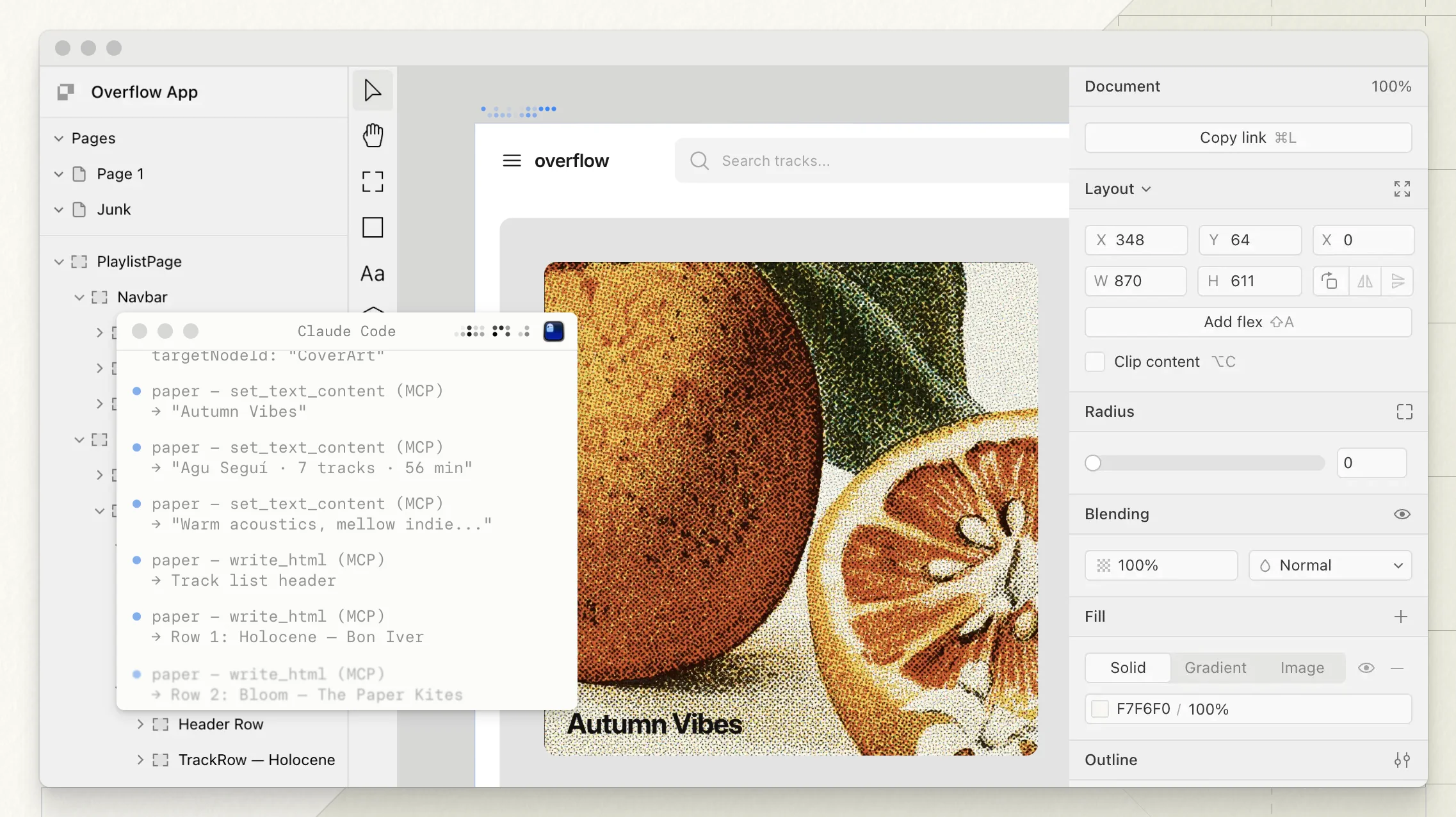
Paper, on the other hand, highlights its native understanding of interfaces. Its infinite canvas does not generate vectors through a proprietary abstraction like Figma does. Instead, it literally builds native HTML and CSS. That makes translating work into code far simpler, and even allows them to support features like shaders directly inside the app. Out of all the new contenders, Paper feels like it has the most promising future. It has that unmistakable Figma circa 2018 energy.
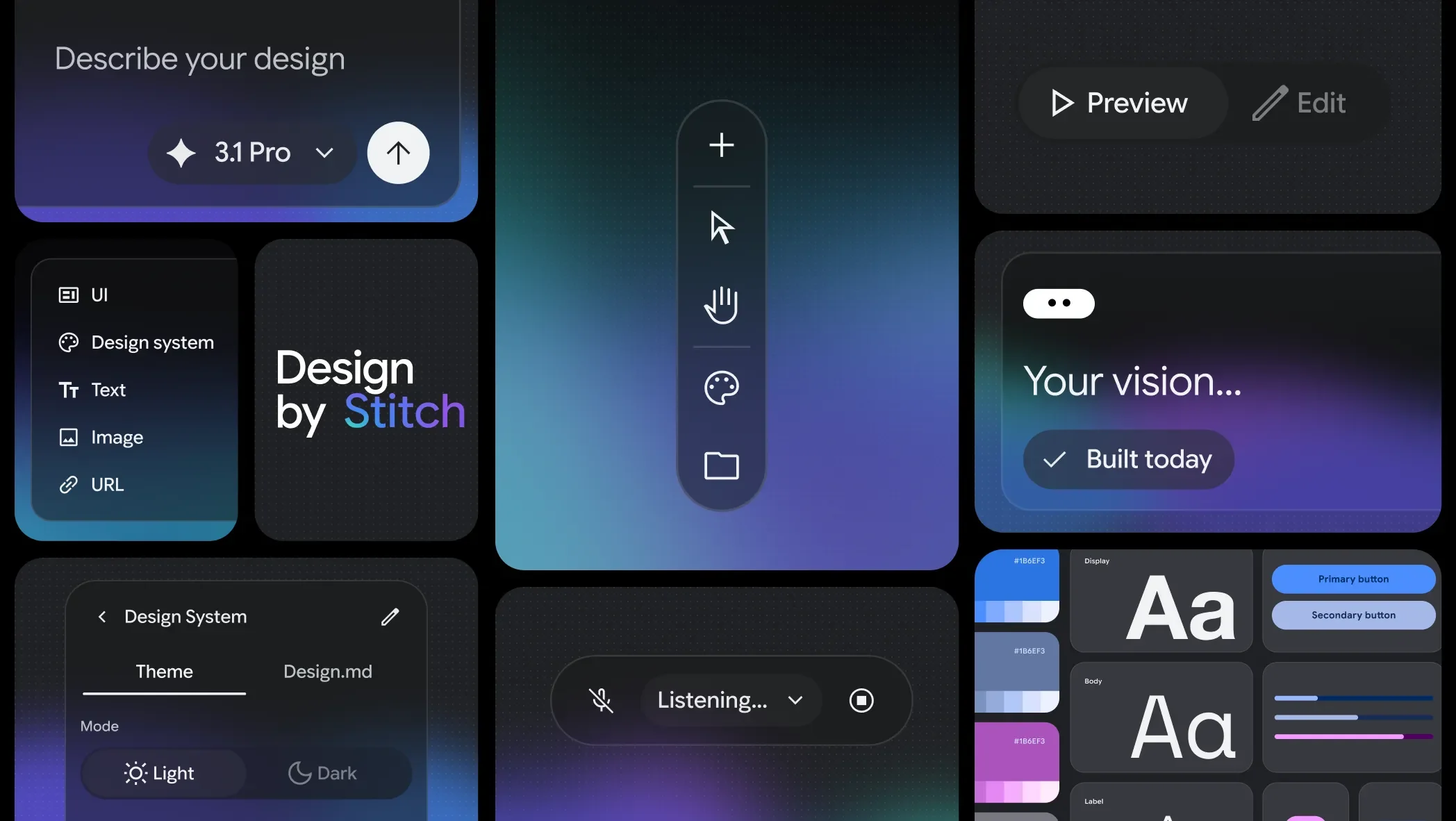
Then there is Stitch, from Google. It introduces a fresh set of tools (like design.md) that unlock interesting possibilities for visual exploration, alongside a few deliberate constraints. Out of all of them, Stitch sparks the most compelling question: What do we actually want from a tool that claims to amplify our capabilities as interface designers?
Stitch's biggest drawback compared to the rest is that, as mentioned before, these tools are fundamentally constrained by the model powering them under the hood.
While I am a huge fan of how Gemini 3.1 designs interfaces, and its multimodality gives it exceptional visual reasoning, I am also realistic about its limits. It still falls short of what Claude (and even GPT) can pull off.
The conversation around foundational models changes every week anyway. Word is that Google is finally taking this space seriously, so we will see.
Other Angles
Connecting models and design systems to infinite canvases is fundamentally different from the approach taken by Claude Design, Lovable, v0, and similar tools.
Those platforms rely directly on code and the real constraints of a living website or application to anchor communication across design and functionality.
Their underlying mental model is classic: form follows function.
Is code the new canvas for interface designers? We'll leave that one for another post.

Omar Tosca · Co-founder & Design Director
Design technologist and interaction architect figuring out how complex products run beautifully under the hood.
More essays from the studio

Death of UI? Nah.
Don't start considering a career change just yet.


